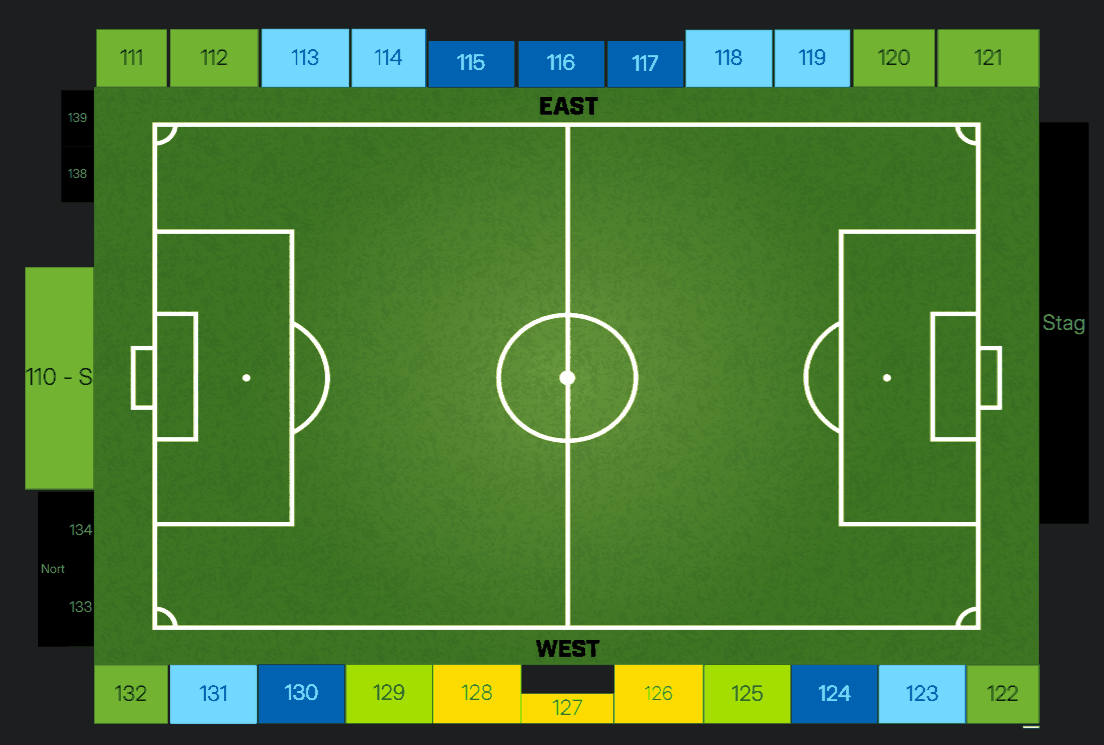
Narrow, 5.2in. The caption sits below, centred, at body size in the quiet ink.
Mid, 5.6in.
Default, 6.3in. This is the width to reach for first.
Wide, 7.0in. It fills the content column, so nothing else shares its row.
Three images that make one point share a row

One caption covers the row. Each image runs 1.62in tall and takes whatever width it needs.
The one figure that carries a hairline
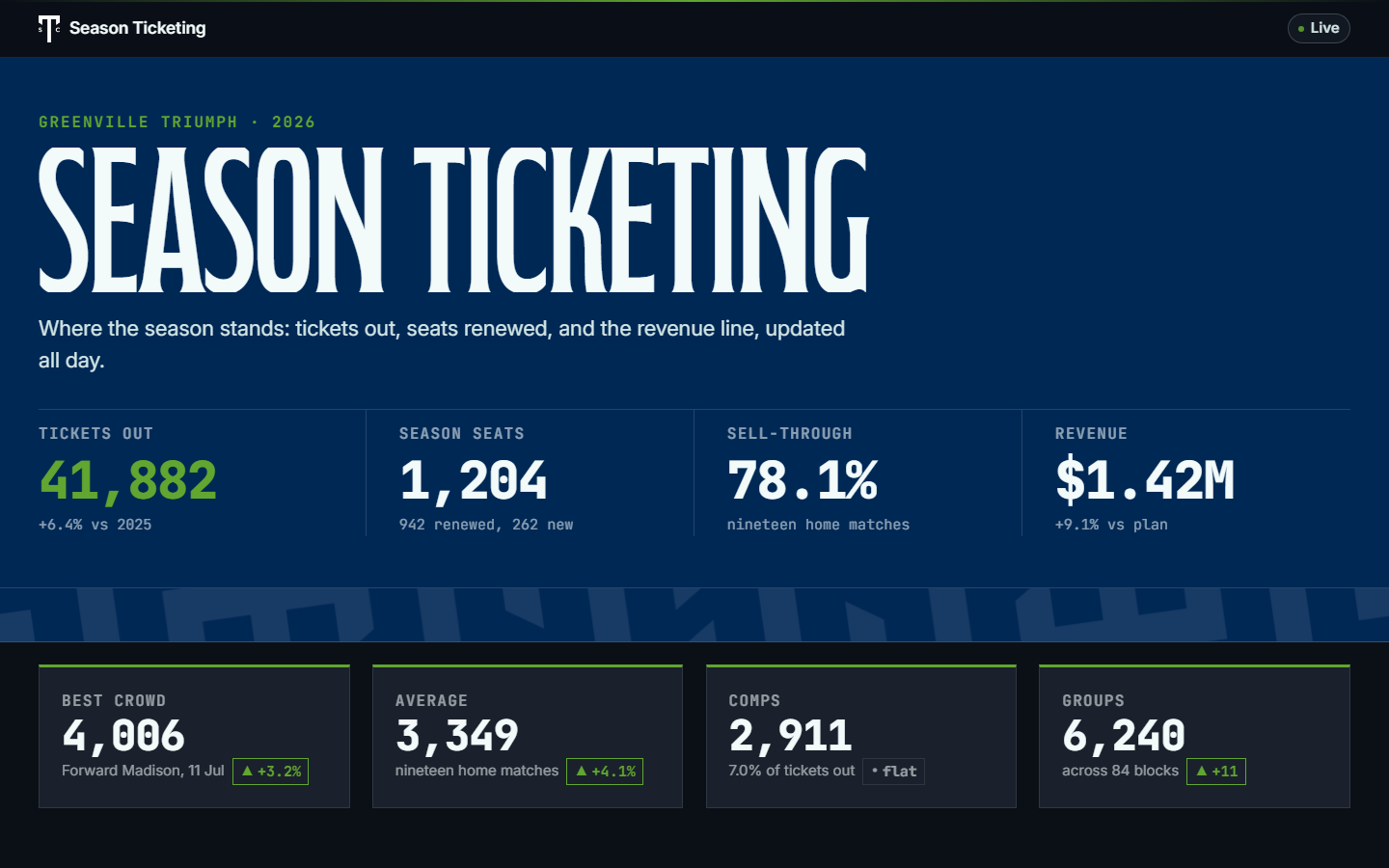
Screenshots only. A UI screenshot is white to its own edge and has no edge of its own, so it takes a 0.5pt hairline. An illustration, a render, a map, a chart, or a transparent PNG does not. The width and height custom properties are set inline from the source image, both or neither; the shot above is 1440 by 900 at 6.3in by 3.94in, which prints at about 228dpi.